


CutLabX
Carverall's Default Software for K15 Pro, A1 Pro, JL9, X1 Pro, C1 and K4
Download CutLabX, LightBurn, LaserGRBL, EZCAD and device-specific files from one clean hub.

Carverall's Default Software for K15 Pro, A1 Pro, JL9, X1 Pro, C1 and K4

World famous professional laser software option

The Mobile App of CutLabX

Professional Laser Software for Fiber Laser Engraving Machine.
Machine compatibility

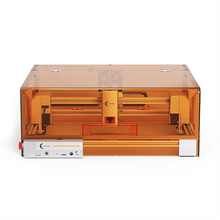
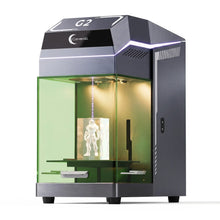

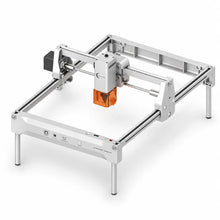
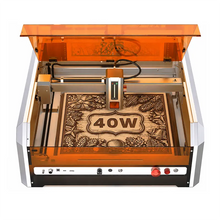
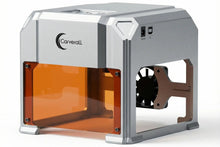
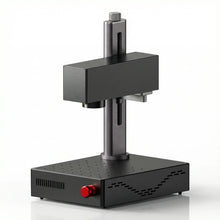
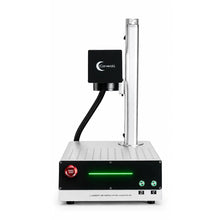
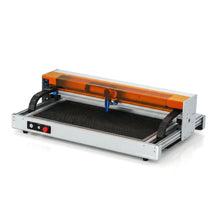
Software support
Quick solutions for common software installation and connection issues.
Check the Machine Compatibility table above first. CutLabX is recommended for supported Carverall diode, infrared and CO2 machines. LightBurn supports many Carverall models, while EZCAD is intended for compatible Z12 fiber laser machines.
Make sure the machine is powered on and connected with a data-capable USB cable. Close any other laser software that may be using the connection, reconnect the cable, and restart the software. If the machine is still not detected, install the correct driver and try another USB port.
Download the driver listed for your machine or follow its user guide. Disconnect the machine, complete the driver installation, restart the computer, and then reconnect the machine. Avoid installing drivers from unofficial download websites.
Reconnect the machine and check the available ports again. On Windows, confirm that the device appears without a warning symbol in Device Manager. Close other programs that may be using the same port, then select the port that appears after the machine is connected.
Confirm that the correct machine profile, work origin and processing area are selected. Check the machine's safety status, emergency stop, cover or cooling system where applicable. Run a frame preview before starting and verify that power and speed settings are suitable for the material.
Confirm that the installer came from the official Carverall or software provider link. Then open System Settings, go to Privacy & Security, and use Open Anyway for the blocked application. You may need to enter your Mac administrator password.

Made for makers. Built for what comes next.


